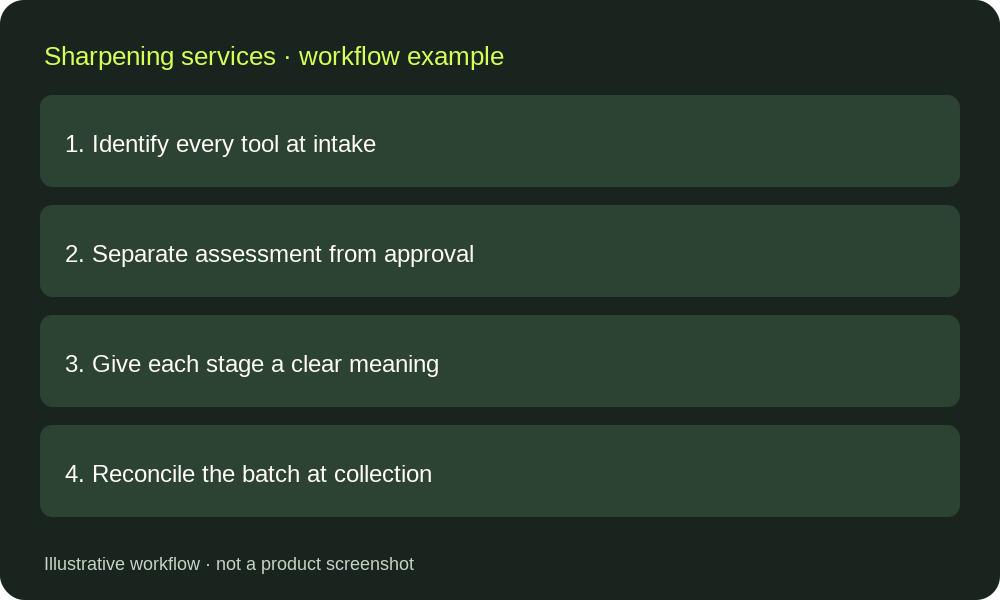
Identify every tool at intake
A salon may leave several similar shears; a restaurant may send a roll of knives. A customer name alone cannot tell your team which item needs which work. Give each separately tracked tool a repair reference and keep that reference with its protective holder.
Record the tool description, quantity, requested service, visible condition and accessories received. If a batch will share one job, list every item and use that approach only when the whole batch has the same approval and collection timeline.
Scissor and knife batch tracking checklistSeparate assessment from approval
Record the customer request separately from your assessment. Routine sharpening, a damaged edge and a mechanical problem may require different work or an outside specialist. Confirm the service your workshop can actually provide before promising a return date.
BenchPing can keep the job, estimate and customer conversation together. Estimate approvals require an eligible plan; check the plan limits before moving your process. The software does not assess blades, select sharpening angles or certify tool performance.
Give each stage a clear meaning
Use a small set of customer-readable stages, such as Received, Awaiting approval, In service, Final check and Ready for pickup. These are workflow examples to adapt, not a claim that a specialist sharpening preset is installed.
Keep a tool waiting for a decision out of the ready pile. A salon booking or restaurant service deadline is a requested date until your team confirms capacity. When timing changes, send the next update date and the actual reason instead of a vague promise.
Reconcile the batch at collection
Check the returned tools against the intake list, including protective cases and accessories. Explain any tool returned without service. Mark the job complete after the handoff under your normal shop process, rather than treating a sent message as proof of collection.
Use customer tracking pages and email for progress. Optional SMS depends on destination and carrier coverage, requires consent and separately purchased credits. BenchPing is a job and communication tool; keep your existing payment and specialist inspection processes.
Check plan and messaging limitsPrintable repair tagsUse sharpening-specific forms without replacing bench expertise
Start with a general repair record, then add the item count, tool identity, customer request, received condition, batch handoffs and final reconciliation that sharpening work needs. The free forms below support those operational records; they do not prescribe angles, abrasives, tolerances or safety decisions.
The workflow can cover kitchen knives, salon and grooming shears, clipper blades, garden tools, mower blades and other accepted tools, but each shop should publish exactly what it services and route specialist work appropriately.
Sharpening intake formBatch manifestFinal-check template