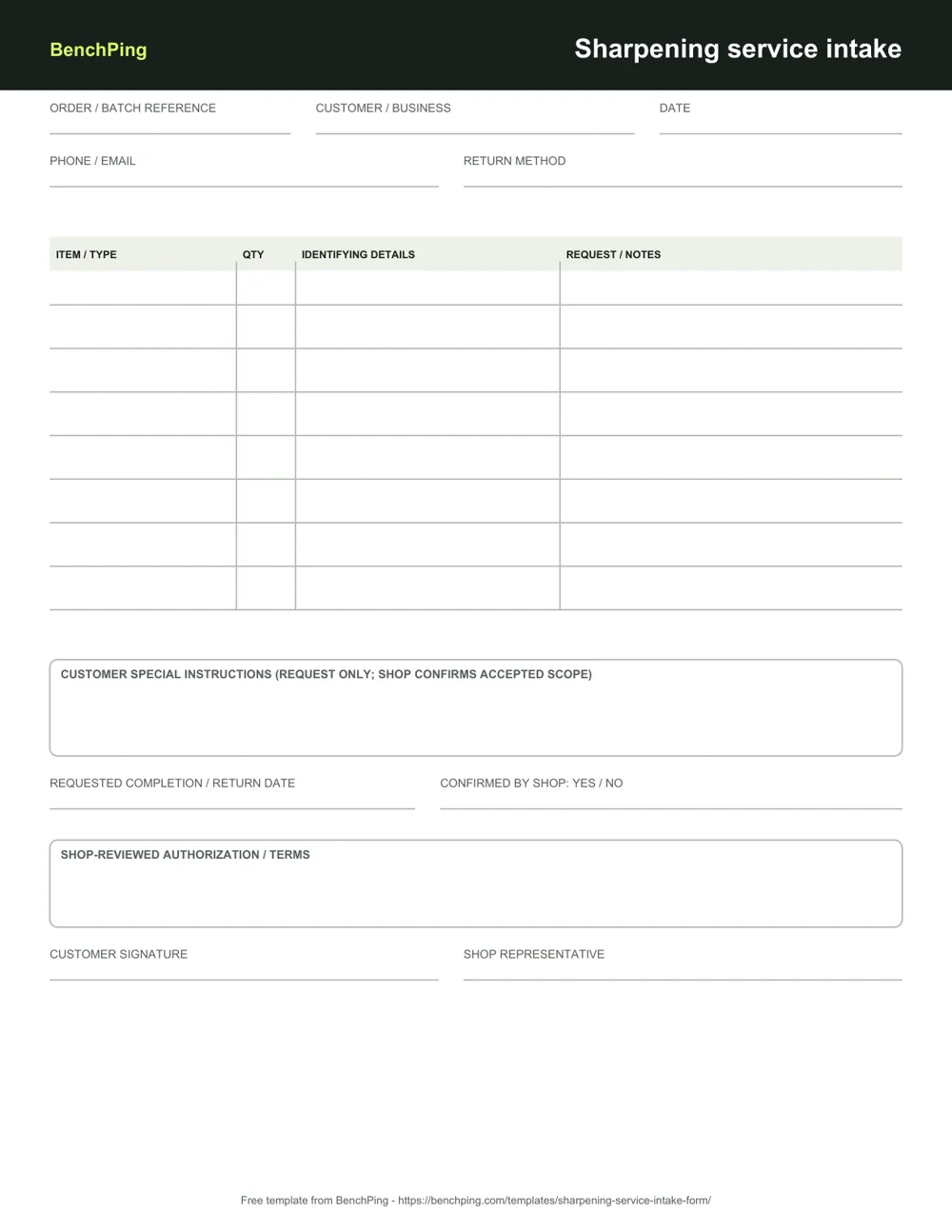
Download the sharpening intake form
Print Letter or A4 and add your shop name, accepted services and reviewed terms. Completed forms contain customer and item information, so keep them in the shop’s private records process.
Download PDF (Letter)Download PDF (A4)List each item or a clearly defined batch
Record the tool type, quantity, maker markings or distinguishing details, requested service and relevant received condition. Use individual item references when tools need different estimates, service decisions or return dates.
Treat special instructions as the customer’s request until the shop confirms the work it can perform. Do not use a paper form to record payment-card data.
Use the same reference through every handoff
Keep the reference with the protected item holder, work order, estimate, update and return record. For route or partner-store collection, add the batch manifest so both parties can reconcile counts.
Sharpening batch manifestMobile sharpening route workflowMove the intake record into a visible workflow
BenchPing can keep the order, estimate decision and customer updates together. The sharpening professional remains responsible for accepted item types, technical assessment, procedures and final result.
Sharpening service softwareFinal-check templateMore free repair shop templatesHow to use this template
Use the blank form as a consistent operational record. Adapt shop-specific instructions before putting it into daily use, and walk a new staff member through one completed example.
- Start a new form for each customer order. Confirm the preferred contact channel and give the customer a copy of the reference before tools leave the counter or collection point.
- Count the received tools together. Describe maker markings, handle colour and other distinguishing details so two similar knives or shears cannot be confused later.
- Record the requested service beside the relevant item. Separate a customer request from the work your professional assessment has actually accepted.
- Write down visible received condition and included accessories. If photographs are appropriate, keep them privately with the order rather than on a public batch label.
- Confirm the next assessment or estimate update, then transfer the reference into the shop queue. Reconcile each item again when it is returned.
What each field is for
Customer and contact details connect the order to the person who can approve work; collect only the details your shop needs.
Item type, quantity and identification describe what was received. A quantity alone cannot distinguish similar tools belonging to different customers.
Requested service and special instructions record the conversation at intake, not a promise that every request can be performed.
Condition and notes preserve relevant observations before work starts. Keep final results and later authorization decisions as dated additions rather than rewriting the intake record.
Keep the record useful after the work
Keep the completed form with its estimate decisions, dated messages and return record. For paper files, use a private storage location with access limited to staff who need it. For digital copies, use your controlled shop system rather than a publicly shared folder.
If the customer does not collect the item, confirm the contact details and record a dated follow-up. Follow your disclosed collection policy and applicable local requirements; this template does not establish a storage charge, disposal right or universal deadline.
Set a retention schedule suited to your business obligations and local requirements. Avoid keeping unnecessary personal information indefinitely, and make sure staff know how to retrieve an older record when a customer asks about the work.
BenchPing can send status and pickup updates automatically as part of a configured workflow; keep the job status and customer contact preferences accurate before sending.
See the matching workshop workflow in BenchPingCommon questions
Does the form tell me how to sharpen an item?
No. It records intake and authorization details. Use your shop’s technical procedures and manufacturer information for the work itself.
Can I use it for a mixed batch?
Yes, when each item is identifiable. Give items separate references if their approval, service or return timing differs.