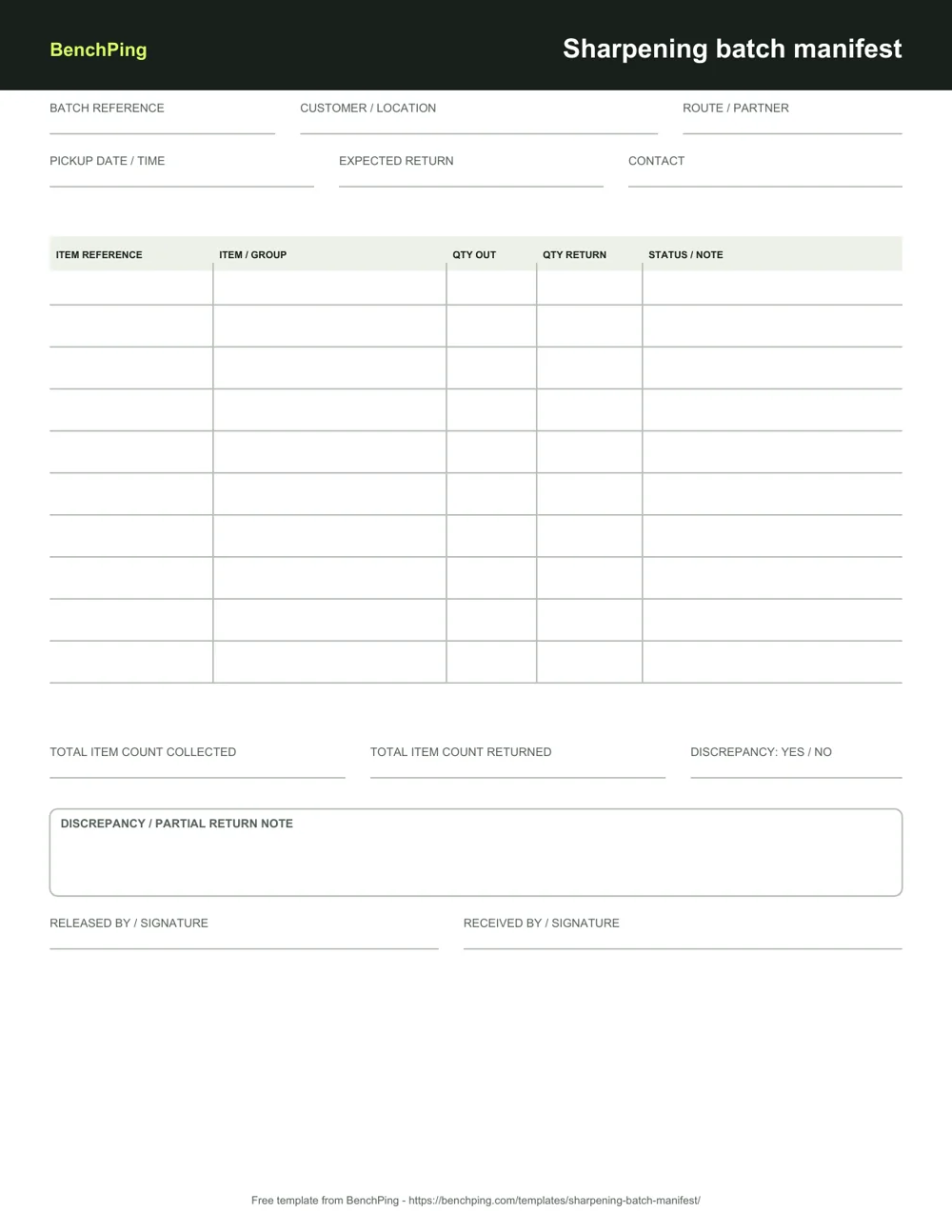
Download the sharpening batch manifest
Choose Letter or A4. Create a separate manifest for each independently handled batch and keep customer details limited to what staff need for the handoff.
Download PDF (Letter)Download PDF (A4)Give each line an item reference and count
Use one row per individually tracked tool or defined group. Record the item type, quantity, service state and relevant note. The manifest is a chain-of-custody aid, not a technical work instruction or invoice.
Sign and count at every handoff
Record who released and received the batch, the date, the total count and any discrepancy. Do not copy an earlier count without physically reconciling the items.
For partial returns, create a clear line for returned items and leave the remaining items under their active references.
Mobile route workflowMail-in sharpening workflowConnect the manifest to customer updates
Use the batch reference in the repair record so office and bench staff can answer status questions without searching paper piles. Customer messages should describe only the items and milestones relevant to that customer.
Sharpening update templatesSharpening job trackingMore free repair shop templatesHow to use this template
Use the blank form as a consistent operational record. Adapt shop-specific instructions before putting it into daily use, and walk a new staff member through one completed example.
- Give the collection its own batch reference before pickup. Keep the manifest separate from other customers’ batches, even when the driver collects them on the same route.
- List the item references and count the tools physically with the releasing person. A sealed container number helps identify a package but does not replace an item count.
- At workshop receipt, compare each row with the actual contents. Stop and document a mismatch before mixing the tools into the production queue.
- Update service state without erasing the original received quantity. If a tool cannot be serviced, identify it explicitly so a lower completion count is not mistaken for a missing item.
- For a partial return, list the returned references and the tools still held. Count the outgoing batch together and keep the dated release and receipt record.
What each field is for
Batch reference joins the collection, workshop order and return record without displaying customer contact information on every container.
Item reference and quantity support reconciliation. Distinguishing descriptions help staff investigate a discrepancy instead of relying on memory.
Service state separates completed items from work still pending or returned without service. It is not evidence of technical acceptance by itself.
Release and receipt details identify who handled each transfer and when. Discrepancy notes should explain the actual difference and the follow-up owner, not simply say “count checked”.
Keep the record useful after the work
Keep the completed form with its estimate decisions, dated messages and return record. For paper files, use a private storage location with access limited to staff who need it. For digital copies, use your controlled shop system rather than a publicly shared folder.
If the customer does not collect the item, confirm the contact details and record a dated follow-up. Follow your disclosed collection policy and applicable local requirements; this template does not establish a storage charge, disposal right or universal deadline.
Set a retention schedule suited to your business obligations and local requirements. Avoid keeping unnecessary personal information indefinitely, and make sure staff know how to retrieve an older record when a customer asks about the work.
BenchPing can send status and pickup updates automatically as part of a configured workflow; keep the job status and customer contact preferences accurate before sending.
See the matching workshop workflow in BenchPingCommon questions
Is a batch manifest the same as an invoice?
No. It records item counts and handoffs. Use your accounting process for prices, taxes and payment records.
What if the count changes at return?
Record the discrepancy immediately and reconcile the individual item references before completing the handoff.