Keep pairs, boards and accessories together
Record the equipment type, identifying details, number of pieces and requested service. Use the same job reference on both skis and any supplied accessories. Condition photos should show the relevant received condition, not unrelated people in the shop.
Ask for the customer’s trip date, then separately confirm what the shop can promise. A busy queue, unavailable component or additional assessment can change the plan. BenchPing is a service tracking tool, not a rental fleet, booking or binding certification system.
Separate routine tunes from assessment jobs
A routine agreed tune and a damaged item awaiting assessment should not look identical in the queue. Keep the next action explicit: assessment, estimate approval, work, check or collection. Grouping similar tasks at the bench should not erase individual customer references.
Only qualified staff should make safety-related decisions. Retain manufacturer-required records and specialist test documentation in the appropriate system. A “ready” message in BenchPing is not proof of binding certification or safe equipment.
| Queue state | Customer-facing note |
|---|---|
| Awaiting assessment | What needs checking before scope is confirmed |
| Approval needed | Proposed work and the decision required |
| Work underway | Current stage and next update if timing changes |
| Ready | Confirmed collection instructions, not a blanket safety claim |
Trip-aware updates without false promises
Check the actual capacity and status before sending. When a deadline is at risk, contact the customer early enough that they can make another plan.
- Intake: “We have your [equipment] for [service]. Your requested trip date is [date]; we will confirm the completion plan after assessment.”
- Extra work: “Assessment found [issue]. Please review the revised scope and estimate before we continue.”
- Delay: “We cannot confirm completion before [trip date] at this stage. Please reply so we can discuss your options.”
- Collection: “Your agreed service is complete and [equipment] is ready. Please bring reference [reference].”
Prepare the queue before the seasonal rush
Run a short trial before the first busy weekend. Agree who changes status, who checks replies and how physical racks map to job references. A second update from another employee should not contradict a promise made at intake.
Track your own consumables in Inventory using consistent units. Do not treat customer equipment as shop stock or assume that consumable use is automatically measured. Review items awaiting approval separately from items actively being serviced.
Where BenchPing fits — and where it does not
Use BenchPing for the job record, estimates, status updates, customer tracking links and conversations. Inventory keeps parts, supplies and materials connected to work. It is not a checkout, accounting package, diagnostic tool or specialist certification system. Keep those systems when your business needs them.
Start with a small real queue, check the customer-facing note before sending it and review delivery history. Email, tracking pages and customer conversations are the starting point outside Canada. Optional SMS currently supports Canadian recipients only and uses separately purchased credits with customer permission.
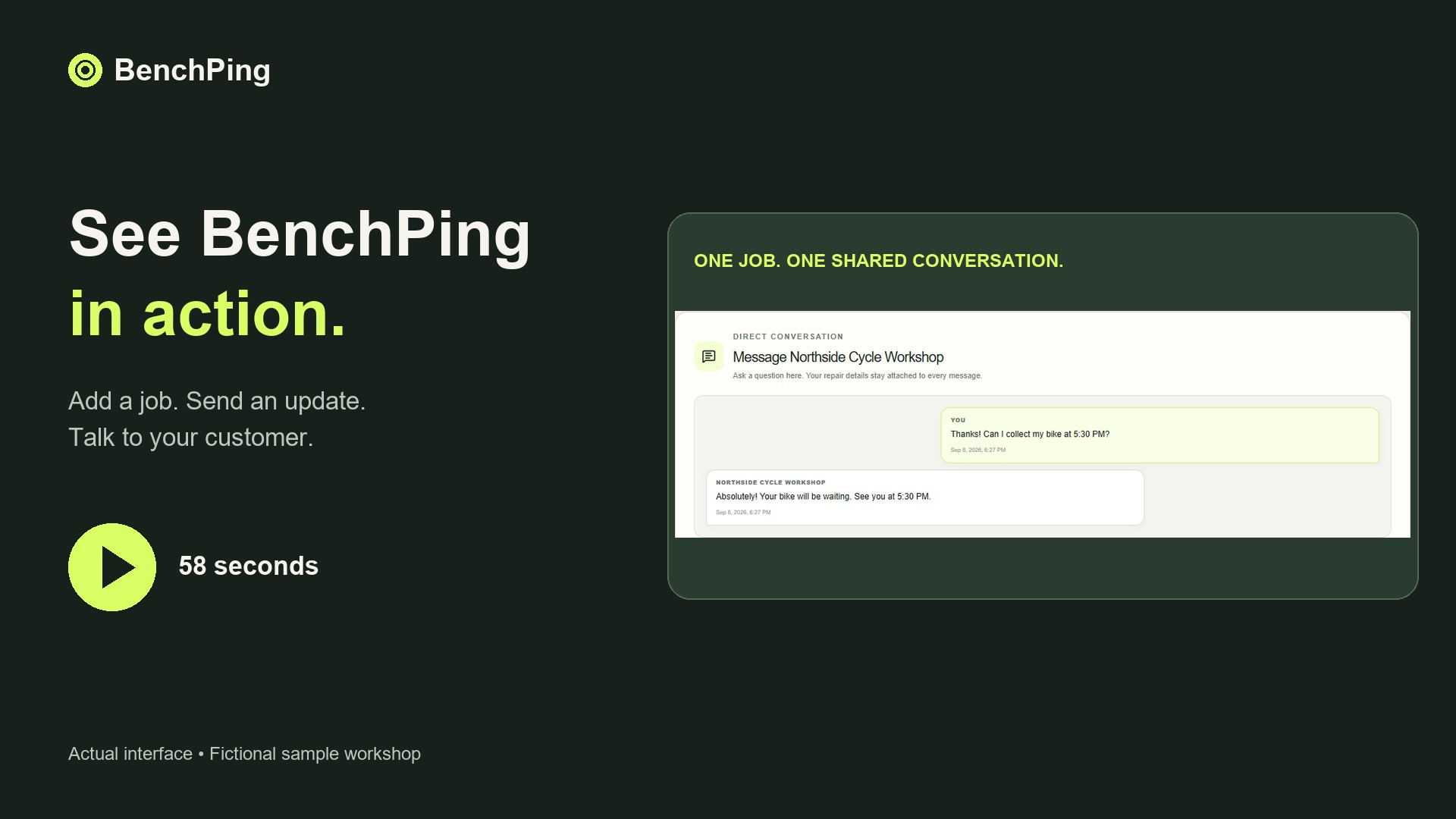
Compare Free, Solo and Shop limitsWatch the actual repair-to-customer workflowTry the workflow before moving your whole queue
Create one example job and use your own email address as the customer contact. Send an update, open the tracking page and reply. Check which information appears to the customer and keep internal notes separate. Tracking links work without a customer login: anyone holding the link can see that customer-facing record, so do not publish it.
Then enter a few current jobs. Keep your original records while checking references, estimates and contact details. CSV or XLSX file import is a one-time import, not continuous synchronization; review mappings before confirming it. A connected public spreadsheet is a different workflow and requires an accessible source. Never publish a spreadsheet containing information that should remain private.
Download the repair order CSV templateBuild a clear estimate approval handoffCommon questions
Does BenchPing replace binding test or rental management software?
No. Keep specialist safety, testing and rental systems. BenchPing covers the service queue and customer updates.