Record the equipment and an agreed contact person
Capture the equipment make, model, identifying reference, reported issue and supplied charger or accessories. Ask who should receive updates and confirm permission before communicating with a relative, support worker or other third party. Do not assume the person dropping off the item has authority to approve work.
A job record normally does not need diagnoses, treatment details or other medical history. BenchPing is not a clinical record system or a medical device. Keep only the service information needed for the work and use an appropriate separate process for regulated records.
Make delays visible because the equipment matters
An unavailable mobility device can be a major interruption. Give an honest assessment date and a next update date. If the workshop offers a temporary alternative, coordinate that directly; BenchPing does not arrange loan equipment, transport, emergency support or insurance funding.
For urgent or safety-critical issues, do not rely solely on email delivery or a tracking link. Use a direct agreed contact method and the workshop’s trained procedures. The software does not assess whether equipment is safe to use.
Separate customer approval from funding decisions
Record what work has been approved and by whom according to the workshop’s process. A customer’s estimate approval is not insurer authorization, manufacturer warranty acceptance or a funding-program decision. Keep supporting paperwork in the appropriate system.
When a component is ordered, explain whether arrival is confirmed or only estimated. Inventory can track parts and reservations, but does not connect to a funding or supplier portal.
- “We have received [equipment] with [accessories]. Our next step is assessment; we will contact [agreed contact] by [date].”
- “The proposed service is [scope]. Please review the estimate. Any separate funding approval must be confirmed before work requiring it proceeds.”
- “We are awaiting [part]. Arrival is not confirmed; we will update you on [date].”
- “The agreed workshop service is complete. Please contact us to arrange collection and review the handover information.”
Keep the final message factual and accessible
Use plain language and ask whether the customer needs another communication format. Explain the work actually performed and any unresolved issue at handover. Do not turn a completion notification into an unsupported medical or safety claim.
Return supplied accessories and verify the recipient through the workshop’s normal process. BenchPing provides a record of messages and work details, not formal regulated servicing certification.
Where BenchPing fits — and where it does not
Use BenchPing for the job record, estimates, status updates, customer tracking links and conversations. Inventory keeps parts, supplies and materials connected to work. It is not a checkout, accounting package, diagnostic tool or specialist certification system. Keep those systems when your business needs them.
Start with a small real queue, check the customer-facing note before sending it and review delivery history. Email, tracking pages and customer conversations are the starting point outside Canada. Optional SMS currently supports Canadian recipients only and uses separately purchased credits with customer permission.
Compare Free, Solo and Shop limitsWatch the actual repair-to-customer workflowTry the workflow before moving your whole queue
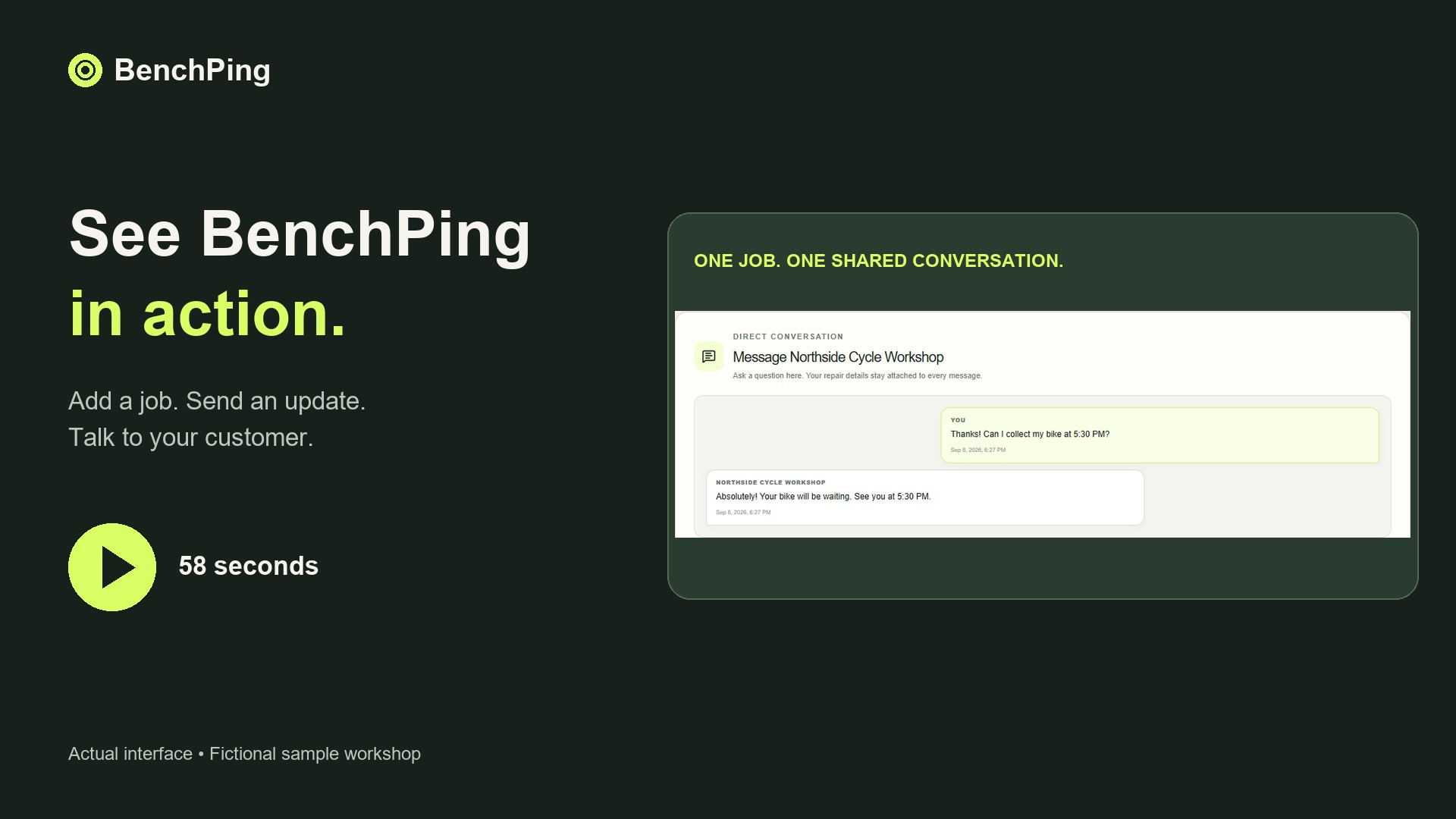
Create one example job and use your own email address as the customer contact. Send an update, open the tracking page and reply. Check which information appears to the customer and keep internal notes separate. Tracking links work without a customer login: anyone holding the link can see that customer-facing record, so do not publish it.
Then enter a few current jobs. Keep your original records while checking references, estimates and contact details. CSV or XLSX file import is a one-time import, not continuous synchronization; review mappings before confirming it. A connected public spreadsheet is a different workflow and requires an accessible source. Never publish a spreadsheet containing information that should remain private.
Download the repair order CSV templateBuild a clear estimate approval handoffCommon questions
Is BenchPing a clinical or medical-device compliance system?
No. Do not use it for medical records or as evidence of regulatory certification. Keep specialist servicing documentation and safety procedures separate.