Track the accessories that arrive with the vehicle
Record the bike or scooter make, model, identifying reference and the reported symptom. A rider saying “it cuts out” is different from a confirmed diagnosis. Note whether the battery, charger, removable display, keys and lock arrived with it. Give each physical item the same service reference so a loose charger does not become an unidentified shelf item.
A software intake record is not a battery safety assessment. If a battery appears damaged, leaking, unusually hot or otherwise unsafe, follow the manufacturer’s guidance and your trained workplace procedures before ordinary storage or work. Do not use a generic checklist here as a substitute for qualified safety instructions.
Explain compatibility checks before ordering parts
A model name alone may not identify a compatible display, controller or motor. Keep confirmed part references in the job and use Inventory for the parts you actually hold. “Reserved” means an item is allocated to work; “on order” does not mean a supplier has guaranteed a delivery date.
Tell the rider whether the delay is assessment, approval, a part or a test. Do not promise a firmware update or manufacturer warranty decision through BenchPing: it does not connect to manufacturer diagnostic systems or submit warranty claims.
| Record | Why it matters |
|---|---|
| Battery and charger supplied | Avoid an extra trip before assessment can start |
| Reported fault and conditions | Keep intermittent symptoms in context |
| Confirmed compatible part | Separate a candidate part from an approved order |
| Next update date | Give the rider a useful expectation without guessing completion |
Rider updates for the common bottlenecks
Use the private customer note to describe the decision or next step. Keep diagnostic speculation in internal notes until you can explain a confirmed finding.
- Missing accessory: “To continue assessment we need [charger/key]. Please contact us to arrange drop-off; the job is waiting for that item.”
- Approval: “Assessment is complete. The proposed repair is [scope]. Please review the estimate before we order the part.”
- Compatibility delay: “We are confirming the correct replacement [part] for your model. There is no confirmed arrival date yet; our next update is [date].”
- Collection: “The agreed service is complete and your vehicle is ready. We will return [listed accessories] with it.”
Test and return without losing the trail
Record the work performed and the workshop’s actual test outcome. Use photos to document visible condition without capturing unrelated customers or payment details. BenchPing does not certify roadworthiness or battery safety.
At handover, check the accessories against intake, explain any outstanding work and provide your usual service paperwork. A completed status should follow the workshop’s completion decision, not merely the arrival of a part.
Where BenchPing fits — and where it does not
Use BenchPing for the job record, estimates, status updates, customer tracking links and conversations. Inventory keeps parts, supplies and materials connected to work. It is not a checkout, accounting package, diagnostic tool or specialist certification system. Keep those systems when your business needs them.
Start with a small real queue, check the customer-facing note before sending it and review delivery history. Email, tracking pages and customer conversations are the starting point outside Canada. Optional SMS currently supports Canadian recipients only and uses separately purchased credits with customer permission.
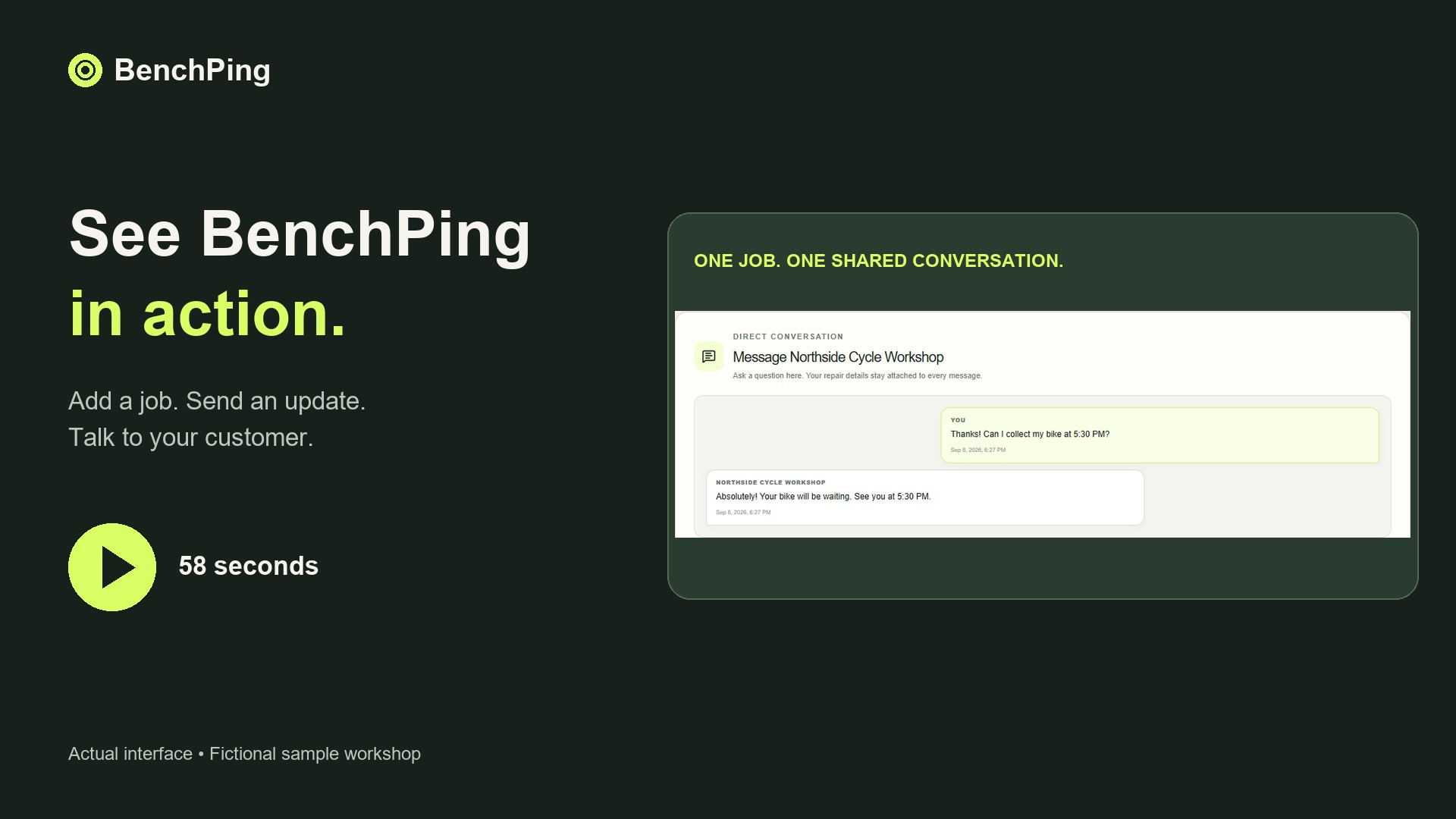
Compare Free, Solo and Shop limitsWatch the actual repair-to-customer workflowTry the workflow before moving your whole queue
Create one example job and use your own email address as the customer contact. Send an update, open the tracking page and reply. Check which information appears to the customer and keep internal notes separate. Tracking links work without a customer login: anyone holding the link can see that customer-facing record, so do not publish it.
Then enter a few current jobs. Keep your original records while checking references, estimates and contact details. CSV or XLSX file import is a one-time import, not continuous synchronization; review mappings before confirming it. A connected public spreadsheet is a different workflow and requires an accessible source. Never publish a spreadsheet containing information that should remain private.
Download the repair order CSV templateBuild a clear estimate approval handoffCommon questions
Is this an e-bike diagnostic or battery monitoring app?
No. It is a job and customer-update system. Keep manufacturer tools and qualified safety procedures separate.