Separate the player’s request from the bench findings
Record the instrument, identifying marks or reference, case and supplied accessories. Describe the reported issue in the player’s words, then add the technician’s findings separately. A request for lower action is not automatically authorization for fret work.
Note relevant agreed preferences such as string gauge, tuning and the work requested, but do not promise a particular setup before assessment. Keep instrument condition photos with the job. BenchPing is not a measurement instrument, an appraisal service or a substitute for a luthier’s technical records.
Get a clear decision on work that changes the estimate
A setup can uncover a worn nut, uneven frets or an electronics issue. Explain the additional work and its estimate before doing it. Keep the proposed scope narrow enough that the customer knows exactly what they are approving.
For restoration or structural work, use milestones rather than an invented finish date: assessment, approval, materials, work, settling or testing, and collection. If the process requires waiting, tell the player when the next update will arrive and whether the original event date is still realistic.
| Job detail | Handoff value |
|---|---|
| Agreed tuning and strings | Avoid setting up for the wrong playing configuration |
| Case and accessories | Return the complete intake set |
| Approved scope | Distinguish a setup from extra repair work |
| Next review date | Keep long restoration jobs from going silent |
Updates for setups and longer repairs
Replace example details with the actual agreement. Do not present a preliminary technical suspicion as a confirmed fault.
- Intake: “We have received your [instrument] for [requested work], with [case/accessories]. We will contact you after assessment.”
- Additional work: “Assessment found [confirmed finding]. The proposed additional work is [scope] for [amount]. Please review the estimate before we proceed.”
- Waiting: “The repair is at [stage]. We are allowing time for [actual reason] before the next check. We will update you on [date].”
- Ready: “Your instrument is ready. At collection we can review the completed work and agreed setup with you.”
Connect small parts to the job without building a retail system
Use Inventory for strings, saddles, switches and other stock your workshop holds. Reserve a part for an approved job, then record actual usage when it is used. Do not mark a customer-owned pickup or vintage part as general available stock.
BenchPing does not provide retail checkout or serial-number provenance tracking. Retain invoices, specialist restoration notes and any appraisal documents separately. The job record is the communication trail, not proof of an instrument’s value.
Where BenchPing fits — and where it does not
Use BenchPing for the job record, estimates, status updates, customer tracking links and conversations. Inventory keeps parts, supplies and materials connected to work. It is not a checkout, accounting package, diagnostic tool or specialist certification system. Keep those systems when your business needs them.
Start with a small real queue, check the customer-facing note before sending it and review delivery history. Email, tracking pages and customer conversations are the starting point outside Canada. Optional SMS currently supports Canadian recipients only and uses separately purchased credits with customer permission.
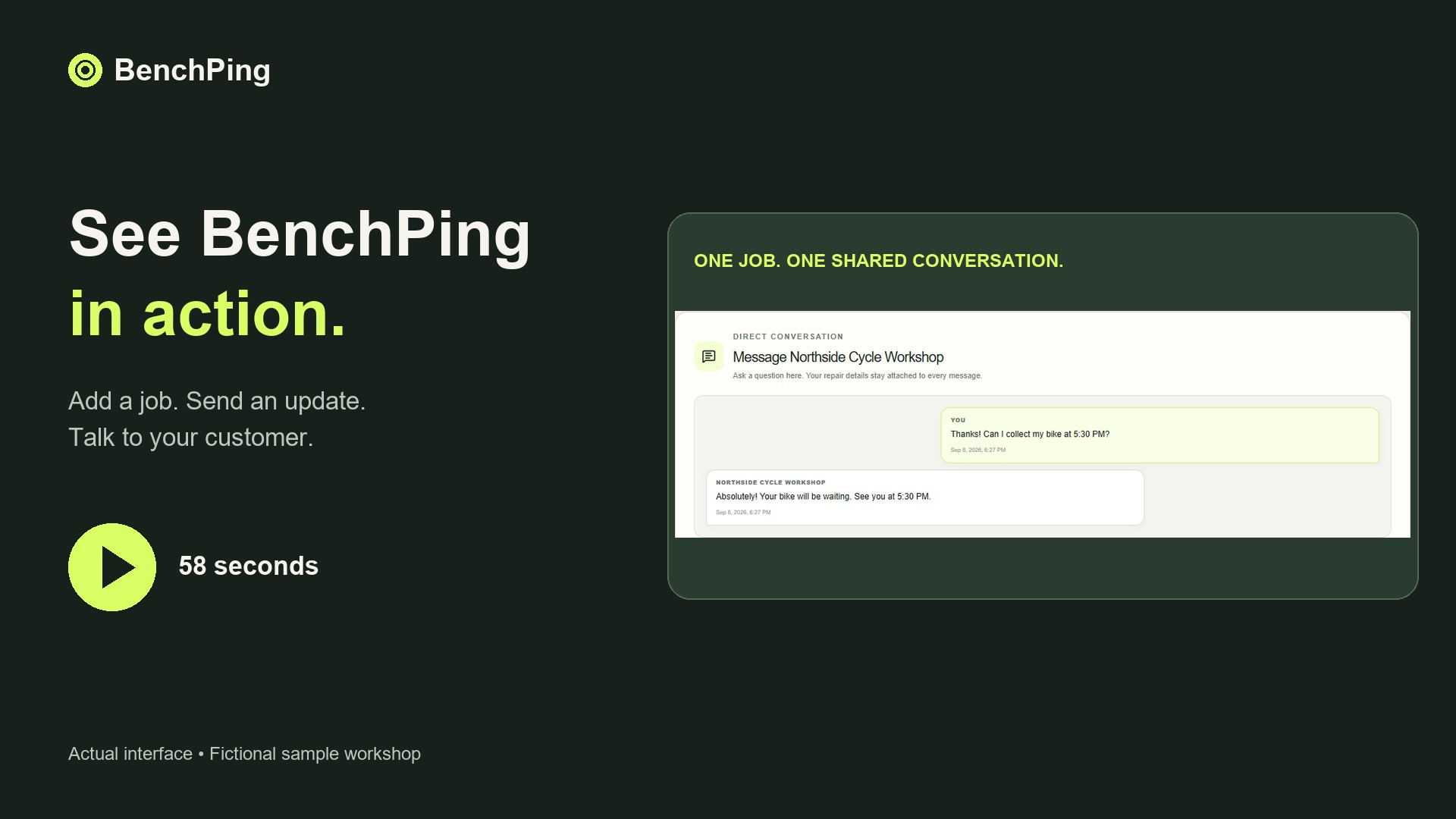
Compare Free, Solo and Shop limitsWatch the actual repair-to-customer workflowTry the workflow before moving your whole queue
Create one example job and use your own email address as the customer contact. Send an update, open the tracking page and reply. Check which information appears to the customer and keep internal notes separate. Tracking links work without a customer login: anyone holding the link can see that customer-facing record, so do not publish it.
Then enter a few current jobs. Keep your original records while checking references, estimates and contact details. CSV or XLSX file import is a one-time import, not continuous synchronization; review mappings before confirming it. A connected public spreadsheet is a different workflow and requires an accessible source. Never publish a spreadsheet containing information that should remain private.
Download the repair order CSV templateBuild a clear estimate approval handoffCommon questions
Can this replace specialist luthier measurements or valuation records?
No. Keep technical measurements and valuation documentation in appropriate tools. BenchPing organizes jobs and customer communication.