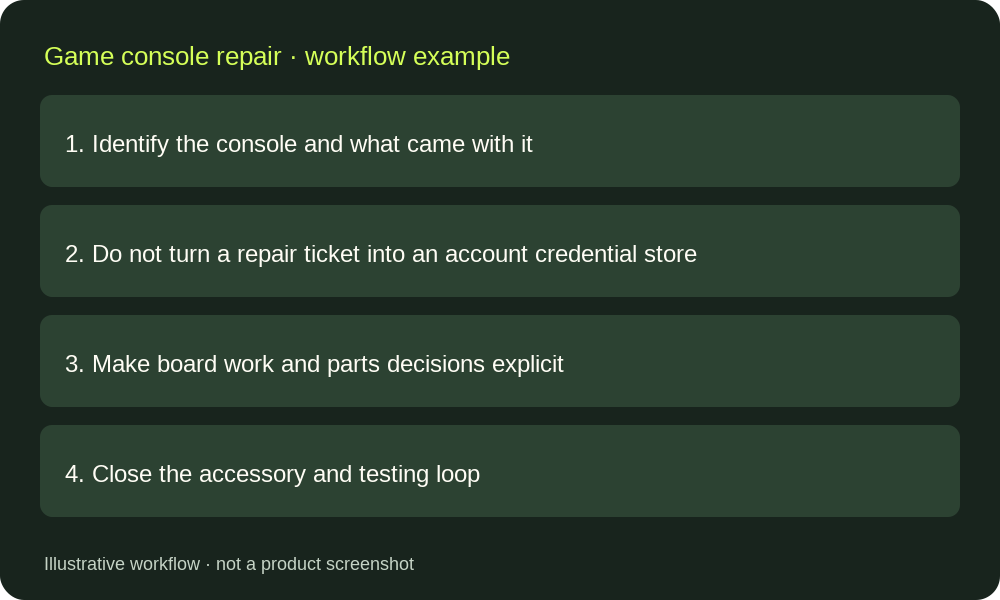
Identify the console and what came with it
Record the model, identifying reference, reported symptom, visible condition and supplied accessories. Confirm whether the customer left a power supply, controller, cable, storage device or disc. Label separate items with the job reference instead of relying on their appearance.
Ask what the customer experienced and under which conditions without diagnosing at the counter. A console that does not display an image does not automatically have a faulty HDMI port. Keep assessment and repair approval as separate stages.
Do not turn a repair ticket into an account credential store
Avoid collecting gaming account passwords in job notes or customer messages. Discuss the access your technician actually needs and use a workshop-approved process. Explain any potential data-loss risk before work that could affect stored data; BenchPing is not a backup or account recovery service.
Keep photos focused on the item’s condition and physical fault. A screen displaying a customer profile, messages or purchase details usually contains information the repair record does not need. Private tracking links should not be posted in public discussions or review replies.
Make board work and parts decisions explicit
Describe the confirmed fault, proposed work and estimate before ordering or installing parts. A replacement part being available does not establish that it is the cause. Inventory can reserve confirmed stock for a job, but it cannot diagnose compatibility.
For intermittent faults, tell the customer whether testing is continuing and when you will next update them. “Under test” is more useful than repeatedly promising “tomorrow.” Only mark ready when the workshop has completed its agreed work and checks.
- “We have received your [console] with [accessories]. Assessment is the next step.”
- “The proposed repair is [scope]. Please review the estimate before we proceed.”
- “We are still checking the intermittent [symptom]. We will update you on [date]; collection is not confirmed yet.”
- “Your console is ready for pickup. We will return [accessories] and explain the completed work.”
Close the accessory and testing loop
At collection, match the console and accessories to the intake record. Summarize the actual work and test results without suggesting a guarantee beyond the workshop’s terms. Keep payments and retail invoices in your usual checkout system.
If an unrepaired item is returned, use an honest final note explaining that work did not proceed or assessment was inconclusive. A closed record should not imply that every accepted device was successfully repaired.
Mail-in repair trackingCommon questions
Does BenchPing recover gaming accounts or back up console data?
No. It tracks service work and communication. Do not put customer passwords into repair notes or messages.