Identify the machine and the supplied accessories
Record the brand, model, identifying reference and the reported symptom. Ask what happens and when: a leak during use is a customer observation, not a confirmed pump diagnosis. Note the water tank, drip tray, portafilter, baskets, power lead and any other accessories actually received.
Keep intake photos focused on condition and supplied items. Agree how the machine will be assessed and whether the initial authorization covers assessment only. BenchPing does not provide electrical, pressure-system or food-safety testing instructions; qualified workshop procedures remain essential.
Show the difference between diagnosis and a parts wait
A machine waiting for an estimate decision should not sit silently in the same state as one being tested. Make the current blocker clear in the customer note. Do not order speculative parts without confirming scope and the workshop’s approval policy.
Use Inventory for compatible stock that is actually held or ordered. A part marked on order is not a delivery guarantee or supplier integration. If arrival is uncertain, send a next-update date and explain any customer decision that could move the job forward.
| Stage | Useful record |
|---|---|
| Assessment | Reported symptom and confirmed finding kept separate |
| Estimate | Scope, amount and approval status |
| Parts wait | Confirmed part reference and next update |
| Testing | Actual workshop checks and remaining work |
| Collection | Machine, accessories and handover instructions |
Updates for home and small-business customers
A commercial customer may need to plan around downtime. Ask which contact should receive updates, but do not promise field-service scheduling that the product does not provide.
- “Your [machine] has been received with [accessories]. Assessment is next; we will update you by [date].”
- “We have confirmed [finding]. The proposed work is [scope] for [amount]. Please review the estimate.”
- “The replacement [part] is on order. [Confirmed arrival information, or state that it is unconfirmed]. Our next update is [date].”
- “The agreed repair and workshop checks are complete. Your machine is ready for collection with [accessories].”
Keep workshop tracking distinct from field-service management
BenchPing fits a drop-off service queue. It is not a route planner, technician dispatch board, preventive maintenance contract system or retail checkout. If you perform on-site commercial service, retain those systems and use BenchPing only where the job and customer-update workflow genuinely fits.
At collection, document the actual work and explain any relevant care information your qualified team provides. A tracking status should not imply a health, pressure or electrical certification that has not been performed.
Where BenchPing fits — and where it does not
Use BenchPing for the job record, estimates, status updates, customer tracking links and conversations. Inventory keeps parts, supplies and materials connected to work. It is not a checkout, accounting package, diagnostic tool or specialist certification system. Keep those systems when your business needs them.
Start with a small real queue, check the customer-facing note before sending it and review delivery history. Email, tracking pages and customer conversations are the starting point outside Canada. Optional SMS currently supports Canadian recipients only and uses separately purchased credits with customer permission.
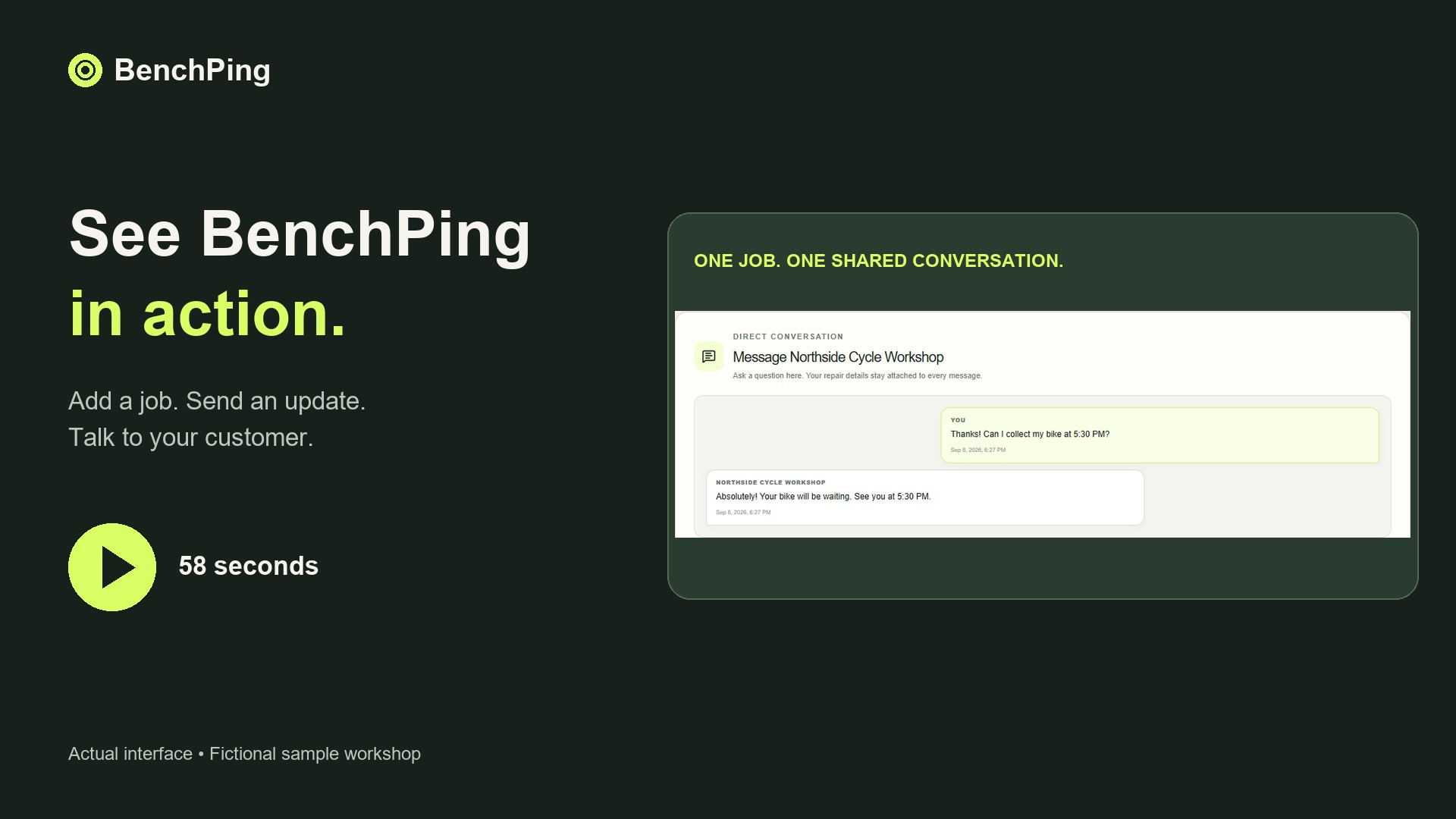
Compare Free, Solo and Shop limitsWatch the actual repair-to-customer workflowTry the workflow before moving your whole queue
Create one example job and use your own email address as the customer contact. Send an update, open the tracking page and reply. Check which information appears to the customer and keep internal notes separate. Tracking links work without a customer login: anyone holding the link can see that customer-facing record, so do not publish it.
Then enter a few current jobs. Keep your original records while checking references, estimates and contact details. CSV or XLSX file import is a one-time import, not continuous synchronization; review mappings before confirming it. A connected public spreadsheet is a different workflow and requires an accessible source. Never publish a spreadsheet containing information that should remain private.
Download the repair order CSV templateBuild a clear estimate approval handoffCommon questions
Does BenchPing schedule field visits or manage maintenance contracts?
No. It is best suited to workshop jobs and customer communication, alongside separate dispatch or contract tools where needed.